Create a Jupyter Notebook
In addition to building Streamlit applications, we can also create an interactive AI assisted Notebook.
To create a new Notebook, we can navigate to the Notebooks tab in the sidebar. This will take us to the Notebook landing page.
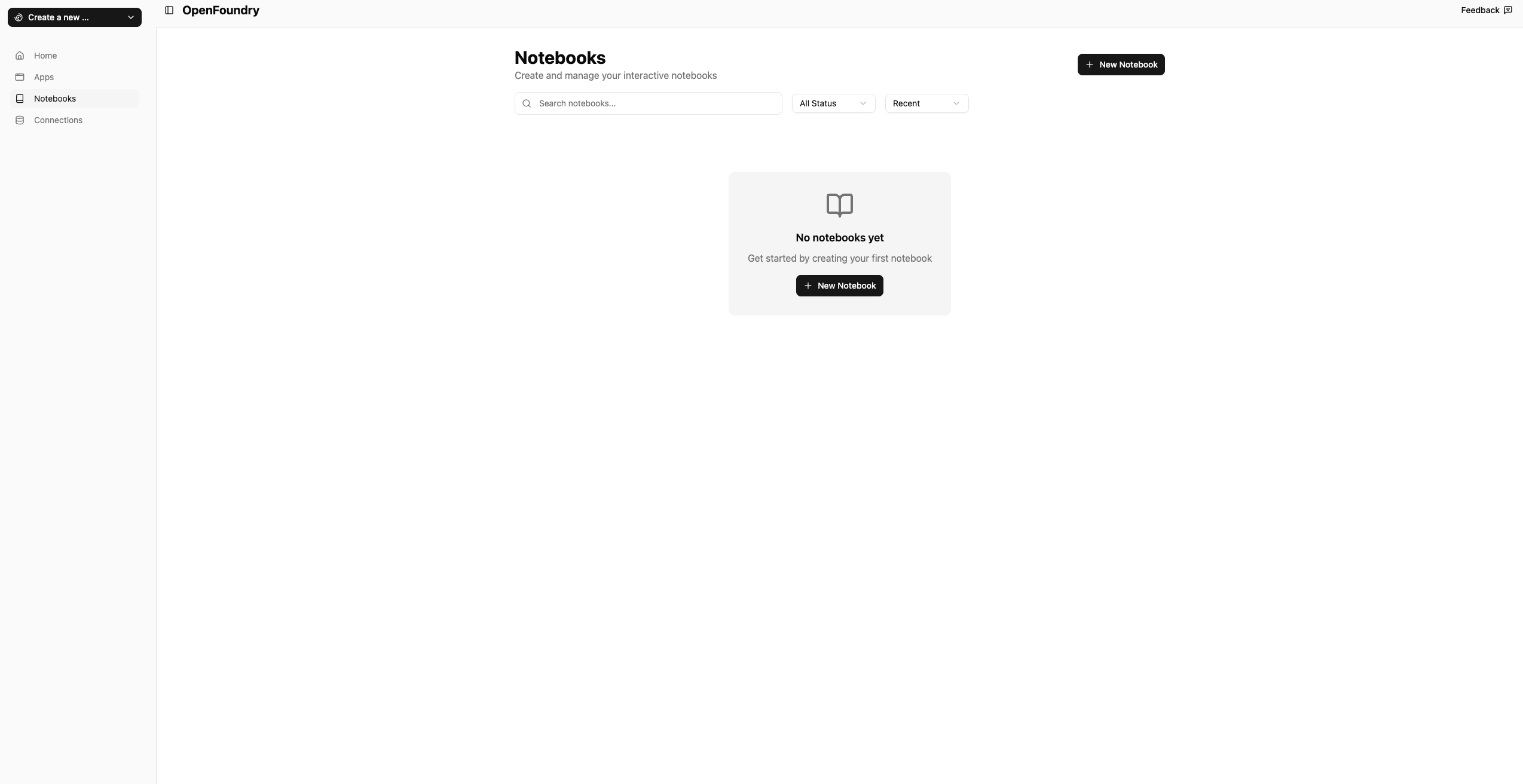
From here we can create a new notebook. It will ask for the following fields
- Notebook Name: The name of your notebook
- Connections: The data connection you want to connect your notebook to.
For this example, we will be connecting to our Jaffle Database within our Snowflake Data warehouse. Once we have create our notebook we can Open the Notebook to start the session. Once the session has started we should be met with the chat interface
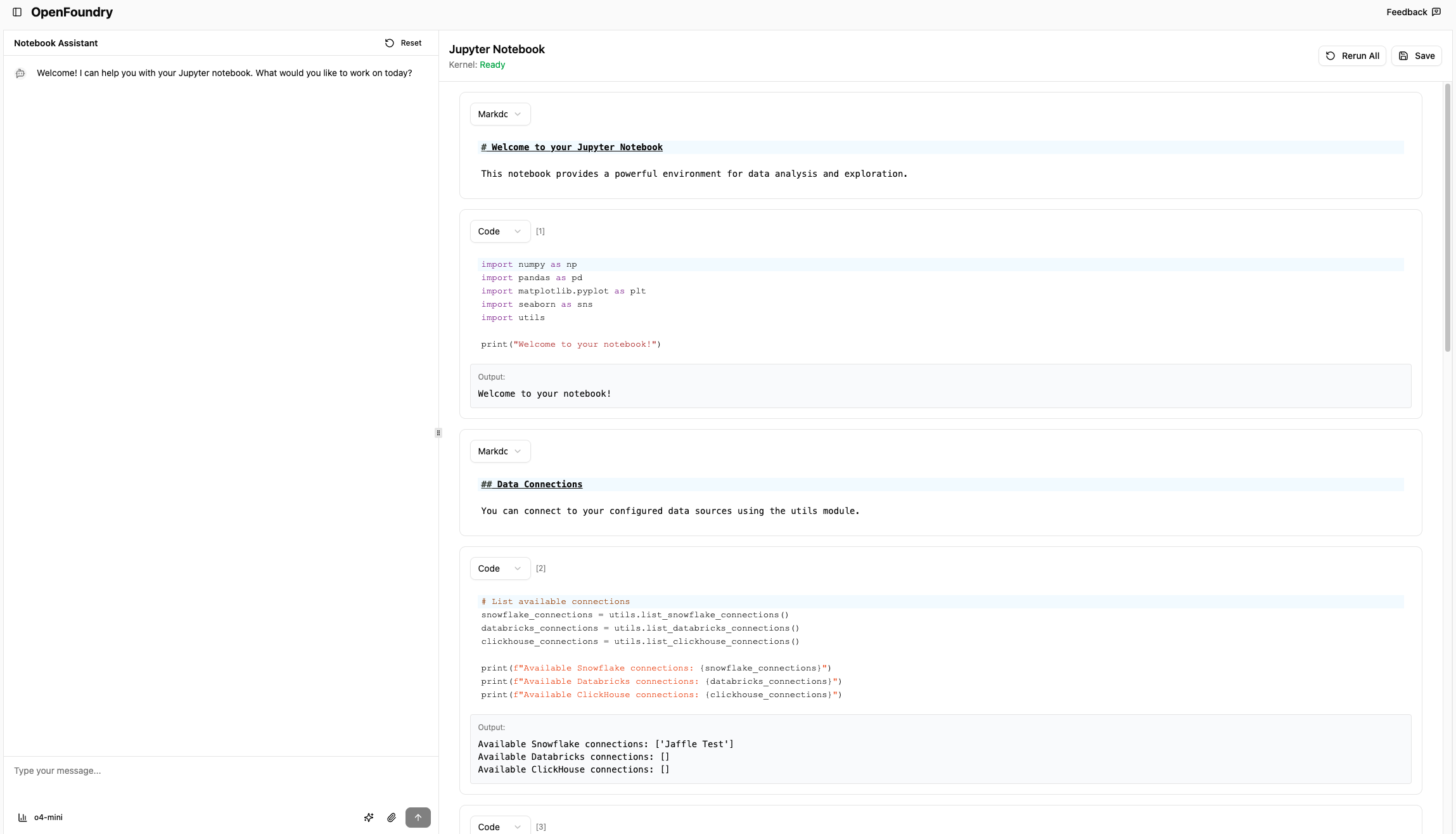
Similar to Streamlit applications we have the option to pick what model we want to use: o4-mini, gpt-4.1, and o3
Lets build a simple clustering model of a users payment method and the amount that was paid following the data science life cycle. We will use gpt-4.1 and the KNN clustering algorithm.
We can start prompting the agent to begin building this clustering with something like the following
I want to build a KNN clustering model with the raw_payments table with the payment method and the amount. I want to classify what payment method a user used based on the payment amount. Follow the data science life cycle and start with visualizing the data and processing it before implementing the ML
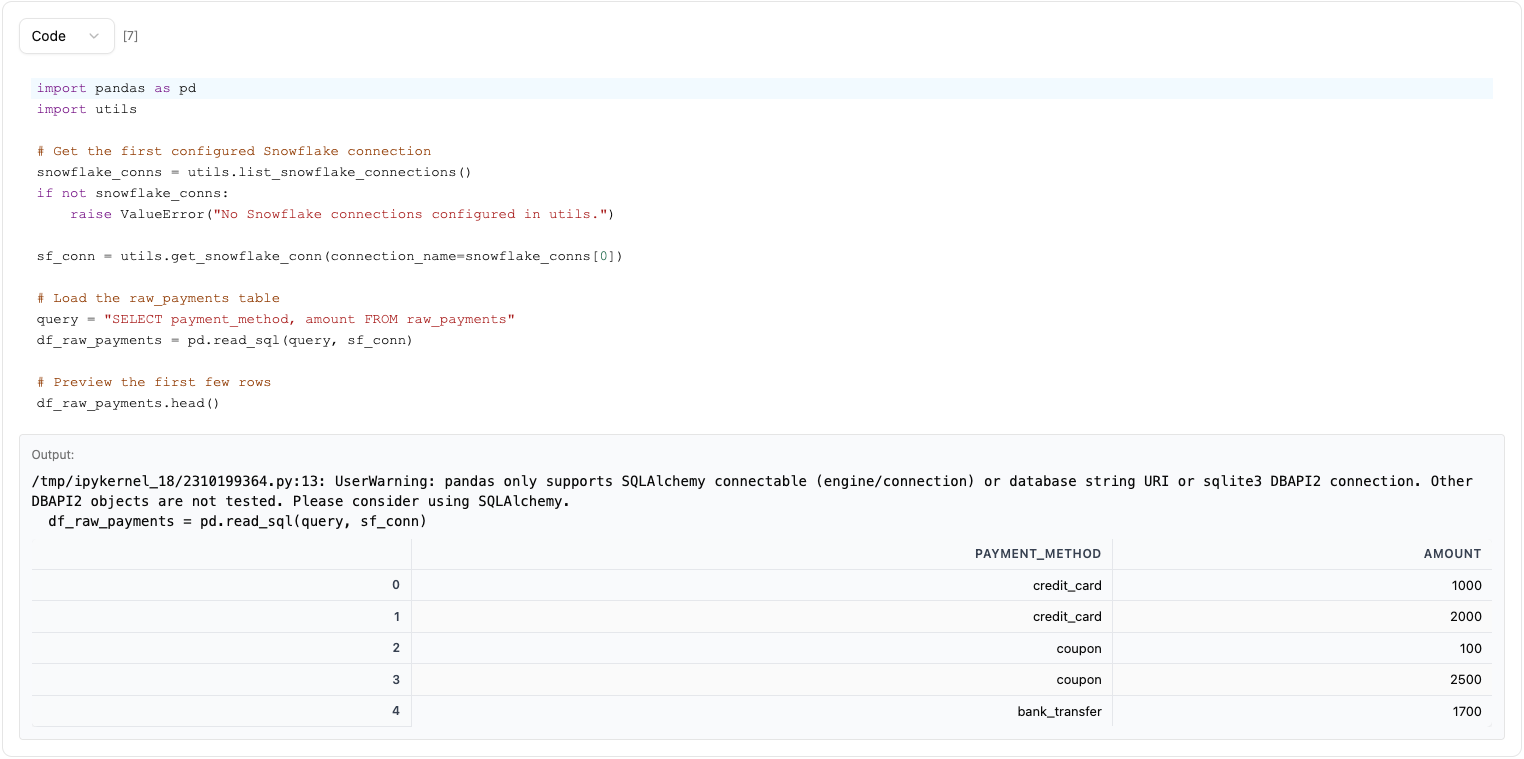
From this, the agent will start to implement the notebook code. It will start by loading in the data from Snowflake and cleaning it before converting it to a dataframe.
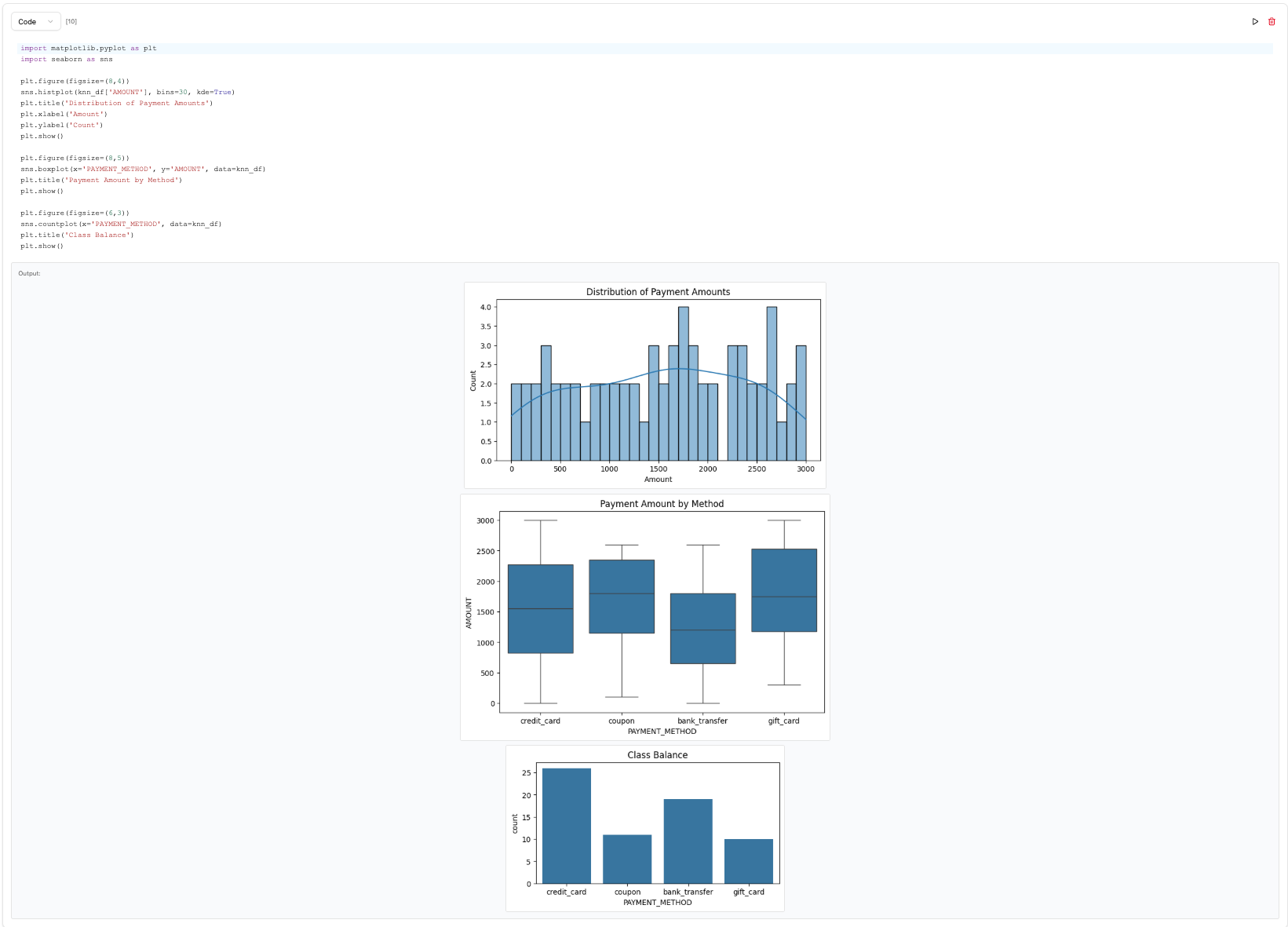
Once the data has been loaded into a dataframe, the agent will begin to understand the data and begin to visualize it.
The agent will then proceed with implementing the ML model of splitting the dataset and applying the ML algorithm along with cross validation.
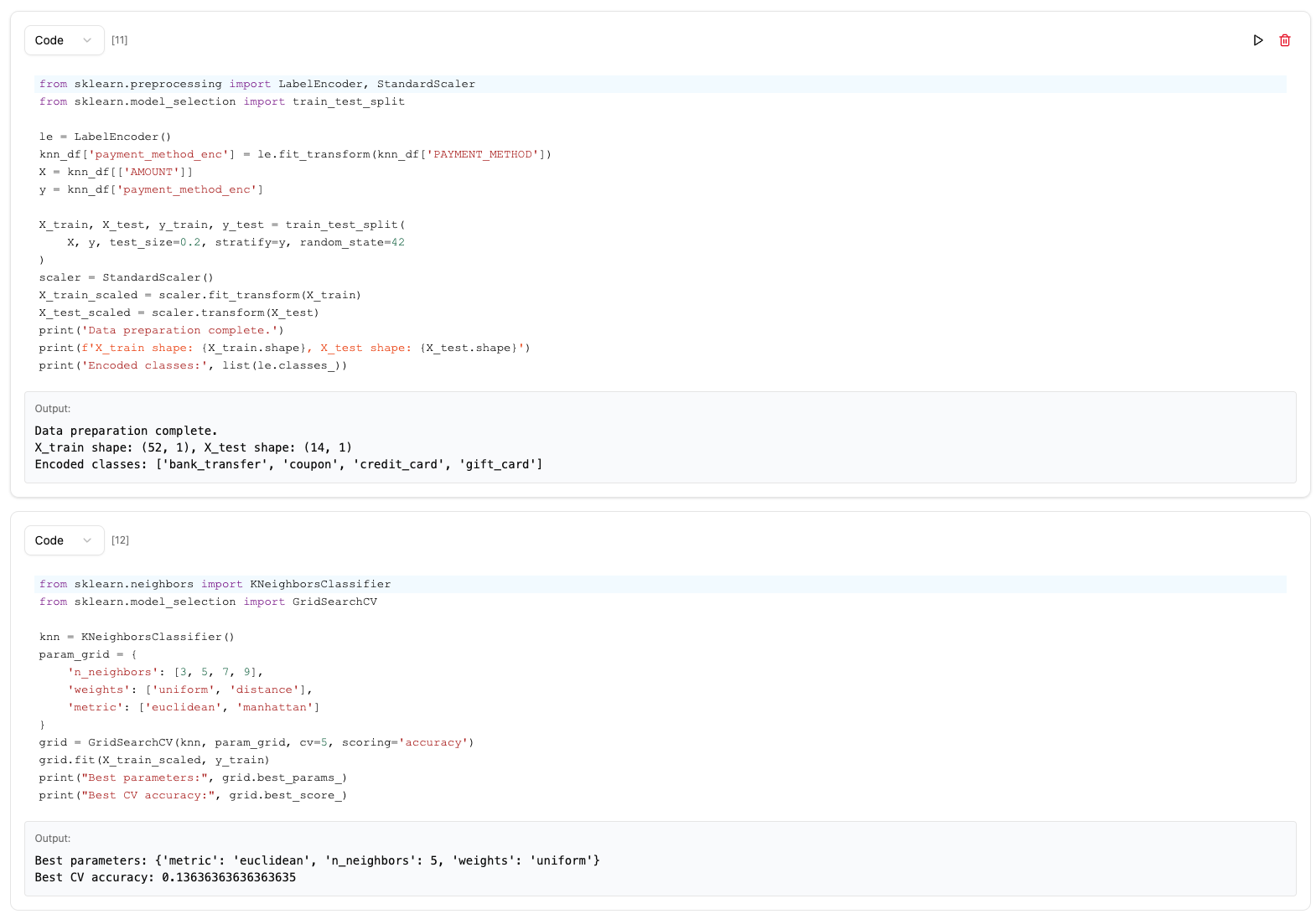
The last component of the data science life cycle is predicting on the test set
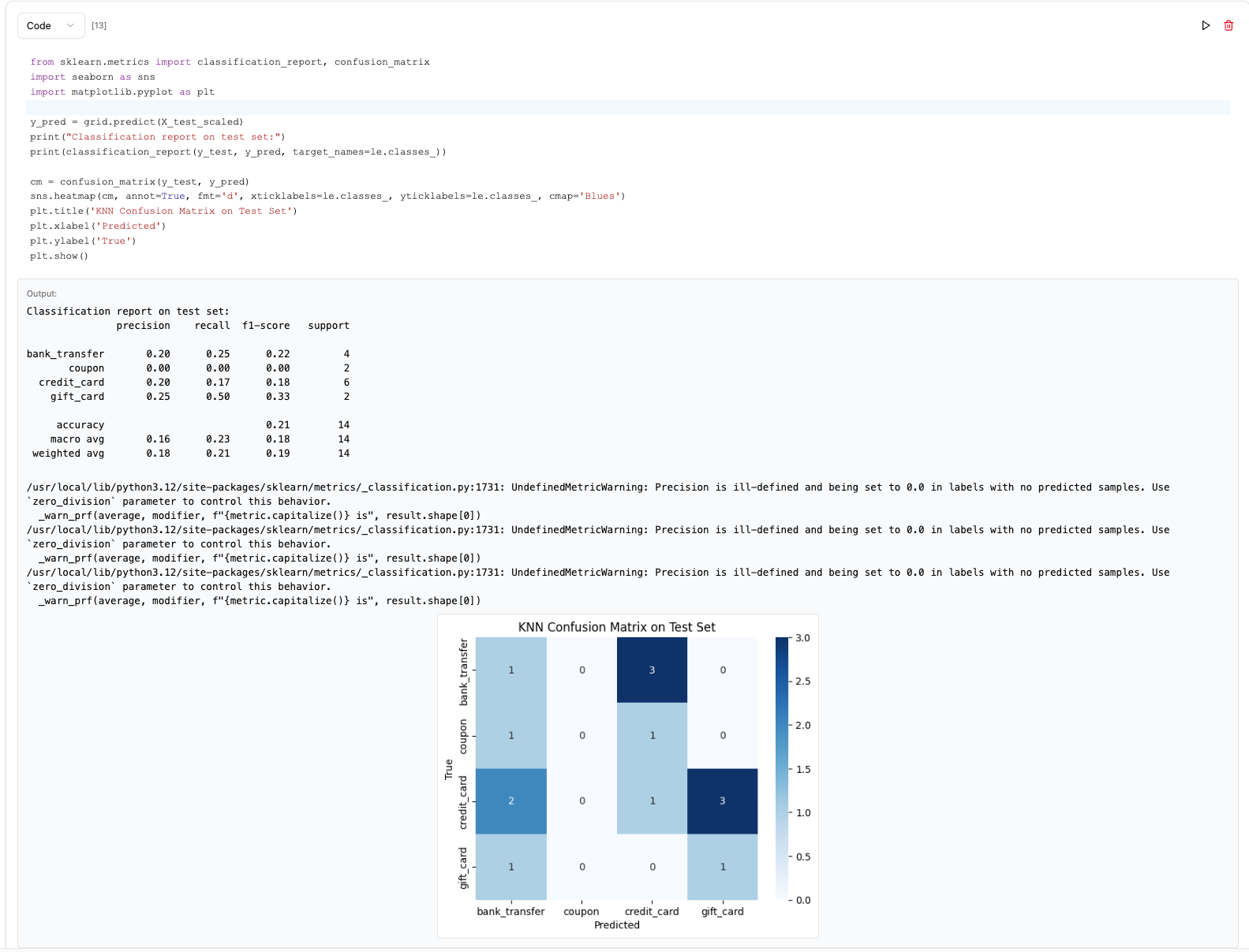
You have now completed building a classification ML model by simply chatting with natural language!
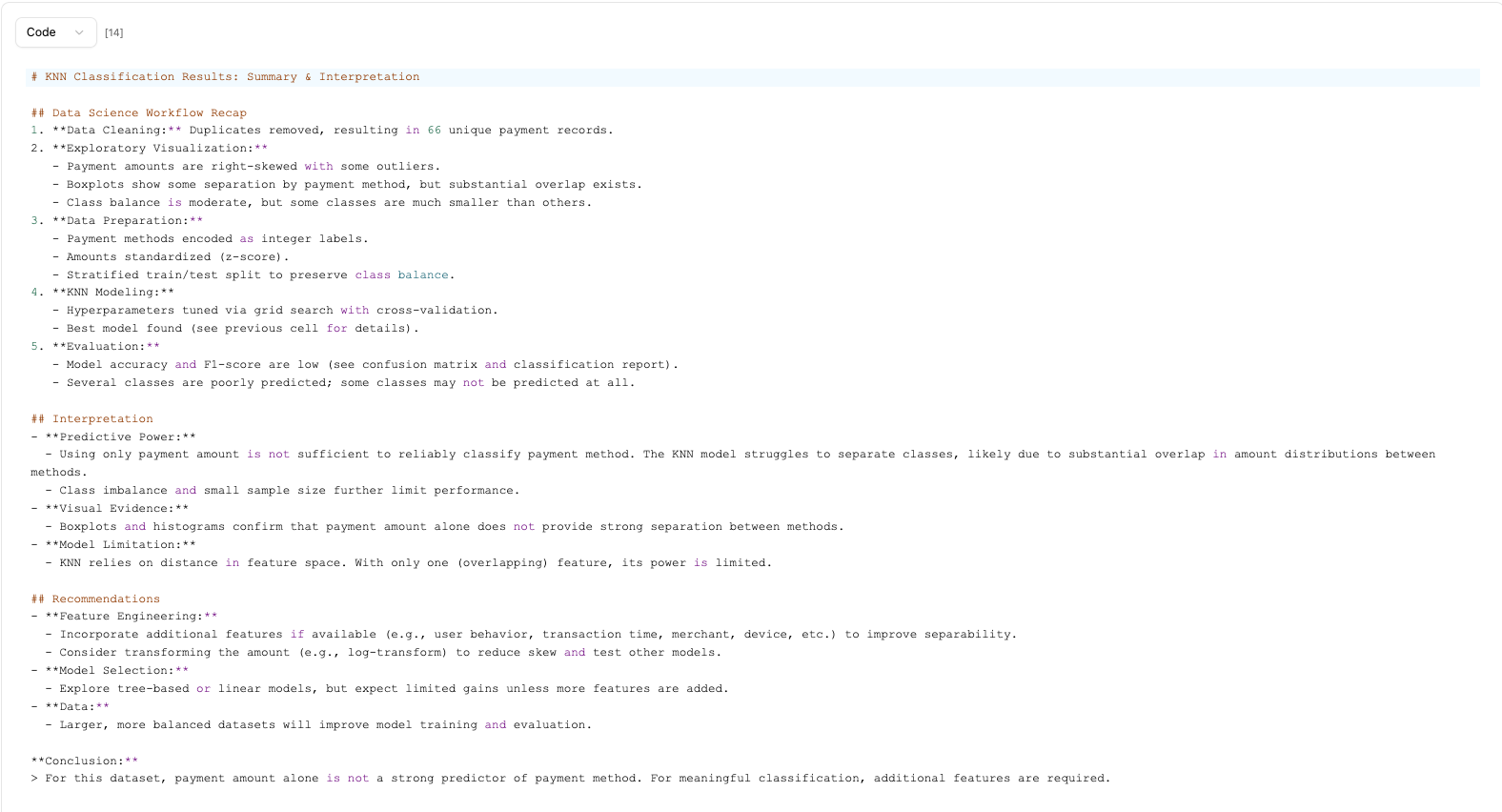
Optionally we can also ask the agent to give us a summary and interpretation of the results to gather the insights that we need from this model.
The notebook builder also offers ways to rerun all cells that have been written or save the notebook for future reference.